
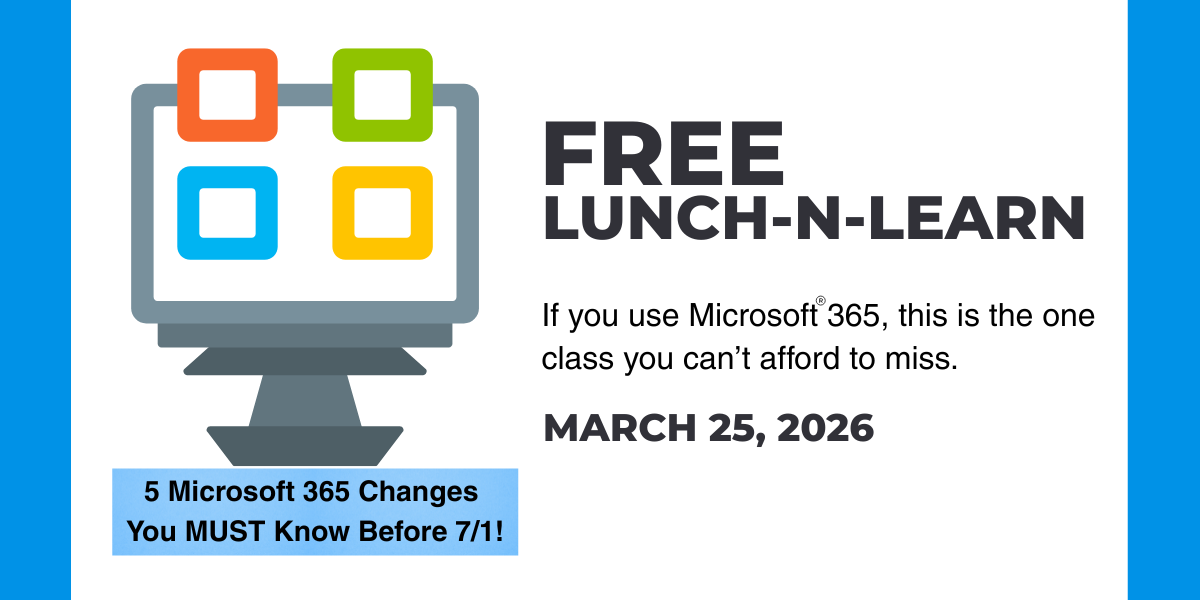
Microsoft® 365 announced big changes for 2026—the most significant updates in years! This time, the shifts are deeper, faster, and more interconnected than most organizations are prepared for. Whether you’re running a small team or overseeing complex IT operations, the updates rolling out in Microsoft 365 this year will fundamentally change how you manage licensing, security, devices, data, and—ultimately—your costs.
And while some of these changes are exciting, others carry major financial and operational implications if you don’t plan ahead.
That’s exactly why we’re hosting an in‑person, deep‑dive class—because this isn’t the kind of information you can skim online quickly to figure out. Decisions you make over the next few months can save (or cost) your business time and money.
Here’s an overview of the 5 hot topics we plan to cover on March 25th. You can register for the lunch-n-learn here.

1. MS365 Price Increase July 1
Yes—pricing is changing again. But what you’ve heard about Microsoft’s new pricing structure barely scratches the surface.
2026 is bringing a shift that affects more than subscription fees alone. The adjustments influence how you bundle services, how you scale users, and even how you plan long‑term budgets. Many businesses will unknowingly pay more than they need to simply because they’re not aware of the new optimization paths.
You’ll leave with a plan that helps you avoid unnecessary increases and take advantage of cost‑saving opportunities others will miss.
2. MS365 Built‑In AI
AI isn’t optional anymore—it’s becoming the bedrock of the entire Microsoft 365 experience.
But here’s the real story: 2026 brings foundational AI that lives underneath all the tools you already use.
The question isn’t “Should we use AI?” It’s “How do we adapt to the changes that are coming whether we’re ready or not?”
Our session will explore:
- What “built‑in” AI really means
- How your workflows and data usage will shift
- The hidden cost, security, and governance implications
This is the kind of information your team needs before the AI rollout moves from optional to default.
BONUS: We'll do a live Copilot demo during the session!
3. MS365 Security Features
Microsoft is introducing new security features aimed at simplifying protection while reducing dependency on third‑party tools. Many organizations could save significant money—or increase their risk—depending on how they react to these updates.
If you're responsible for safeguarding data, users, or systems, you cannot afford to skip this part.
4. MS365 Device Management for Everyone
Historically, advanced device management lived in the enterprise tier. Not anymore.
In 2026, SMBs are gaining access to capabilities that were once limited to the largest organizations—and this shift could completely redefine how small and mid‑sized businesses deploy, secure, and manage devices.
For SMBs, this is one of the most transformational updates Microsoft has rolled out in over a decade.
5. MS365 Storage Expansion
New storage allowances might sound like a simple upgrade, but the ripple effects touch performance, retention policies, governance, and long‑term compliance.
Our session will explore:
- How the new storage model really works
- Where you’ll need to adjust retention or archiving
- The performance impacts most admins aren’t anticipating
This isn’t “extra space for free”—it’s a structural change, and it requires strategic planning.
Your 2026 Roadmap Depends on This Information
You can’t afford to miss this lunch-n-learn. We’ll break down how all these Microsoft 365 changes intersect—and what they mean for your budget, your security framework, your technology roadmap, and your ability to stay ahead of the coming shifts. This is the insight you need before the updates go live.
Join us in person—bring your questions, your challenges, and your team.
Who Should Attend?
This class is designed for anyone responsible for planning, budgeting, securing, or managing Microsoft 365 in their organization. If you fall into any of these roles, you cannot afford to miss it:
✔ Business Owners & Executives
Because Microsoft’s changes have direct financial impact—and your 2026 IT budget depends on getting ahead of them.
✔ IT Directors, Managers, and Administrators
You’ll walk away with the practical, actionable details Microsoft isn’t explaining well publicly.
✔ Security & Compliance Teams
The security landscape is shifting fast, and new built‑in protections will change how you manage risk and compliance.
✔ Operations & Project Managers
AI, storage, and device management changes affect workflows, productivity, and strategic planning.
✔ Anyone Who Manages Licensing, User Growth, or Technology Costs
These changes will alter how you purchase, scale, and optimize Microsoft 365.
If your job intersects with technology at any level, this session will give you clarity and direction at a time when most organizations are feeling confusion and pressure.
Presented by Steve Duncan – Microsoft Expert
With 25 years of insider experience at Microsoft, Steve Duncan is a seasoned professional who helps small and medium businesses cut through the complexity of modern technology. As a former leader in Microsoft’s Enterprise and Commercial Licensing teams, Steve has unparalleled insights into how pricing, product changes, and licensing models evolve.
His deep expertise allows him to translate high-level licensing changes into clear, actionable strategies that can help protect your bottom line. Join Steve to see how the July 2026 updates impact your business and watch a live demonstration of how Copilot Chat can become the most productive ’employee’ on your team.
Seats are Limited – Register Now
Event Details
Date: March 25, 2026
Time: 11:45am - 1pm
Address: 32001 32nd Ave S, Federal Way, WA 98001
The presentation will take place over a catered lunch, provided by Gallucci's Catering, in our Lobby Conference Room. Seats are limited, register today!
Questions? Contact sales@markgrafconsulting.com or call #866-800-1080